
Testing One Product Across Three Surfaces: Robot Framework, Appium and Xray
A completed QA engagement for a product delivered as a web app, an API and a mobile app: test planning, Xray test design, Robot Framework and Appium automation, documented manual testing and SQL checks across components.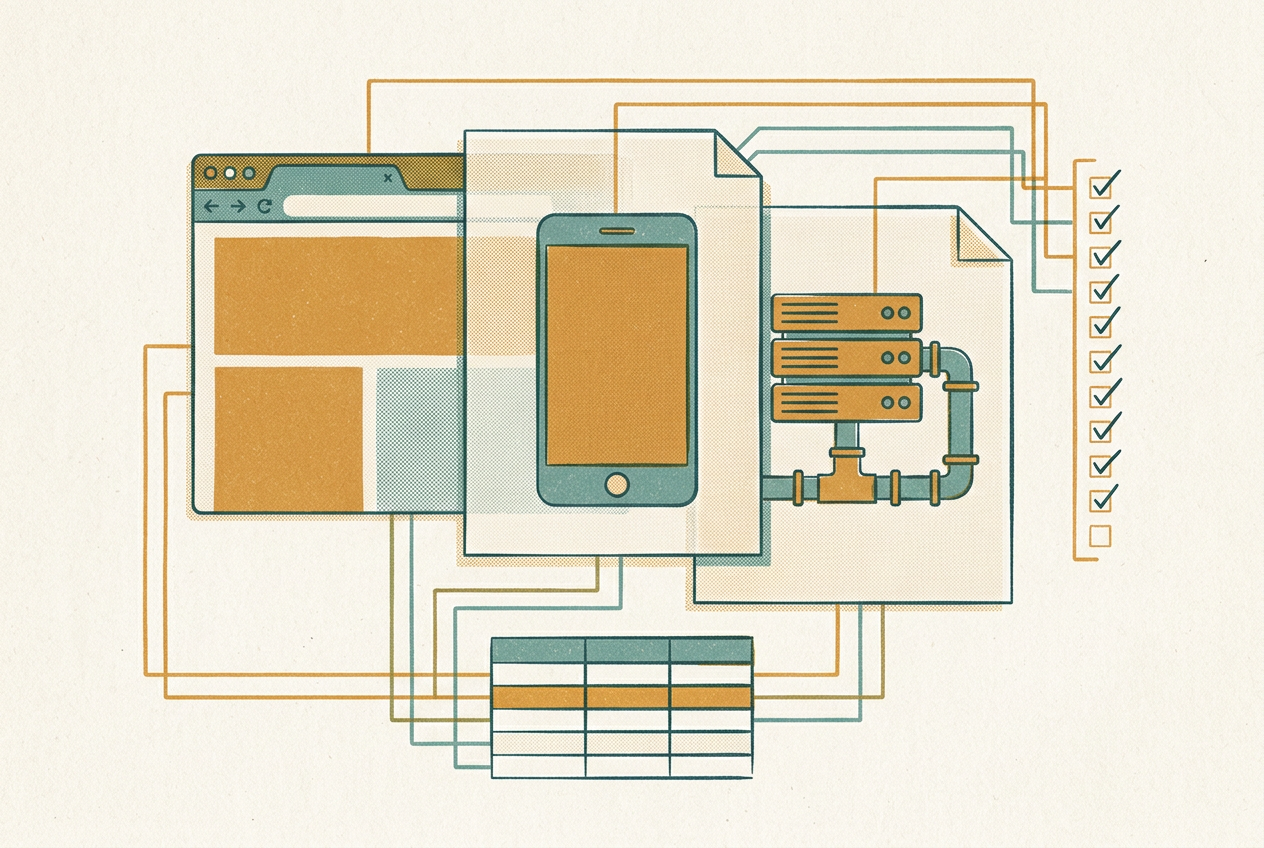
The product we tested reached its users through three surfaces: a web application, an API and a mobile app. All three worked on the same data. Something entered in the web app had to show up correctly in the mobile app, and the API sat between them and had to keep both consistent. Testing each surface on its own missed the failures that mattered most, because those failures happened between components, not inside them.
We ran QA for that product as one process instead of three. Requirements became structured test cases in Xray. Robot Framework covered the web app and the API, and Appium covered the mobile app. Manual tests were executed and documented against the same test cases. SQL queries then checked that what each surface showed matched what the system had stored. The whole team worked from the same test cases and the same view of coverage.
The test problem we had to solve
Each surface fails in its own way. A web app breaks on browsers and layouts. An API breaks on contracts, permissions and unusual payloads. A mobile app breaks on devices, OS versions, permissions and network conditions. When each surface is tested separately, the team gets three partial answers and no single view of whether a release is ready.
The harder problem was the data. A record saved through the web app had to appear in the mobile app with the same values and the same status. A state change made through the API had to show up everywhere, not only in the response body. A screen-level check can pass while the stored data is wrong, duplicated or missing, so we needed tests that reached the data layer.
What we built
We set up and ran a single test process for the product:
- Test planning, covering scope, priorities and which tests would be automated and which needed a person.
- Structured test design in Xray, with preconditions, steps and expected results, and each test case linked to the requirement it verified.
- Automated regression in Robot Framework for the web application and the API.
- Mobile automation with Appium for flows that can only be checked in the app itself.
- Manual test execution and documentation, recorded against the same test cases.
- SQL validation of cross-component data flows, comparing what the system stored with what each surface displayed.
- Day-to-day test management: keeping the test cases current, tracking execution, linking defects and reporting coverage to the team.
All of this shared one structure. Automated and manual checks for a requirement were organised under the same test cases, so the question "is this requirement covered?" could be answered from Xray rather than by asking around.
How a requirement became a verified feature
- We reviewed the requirement for testability. Vague acceptance criteria were clarified before test design started, because a test case written from an unclear requirement only records the ambiguity.
- We derived test cases. Each requirement was broken down into concrete test cases with preconditions, steps and expected results in Xray.
- We prioritised and planned. The test plan set out which test cases ran first, which were automated and which were run by hand.
- Automation covered the repeatable checks. API checks and stable web flows ran in Robot Framework; mobile flows ran through Appium.
- Manual execution covered the rest. New features, exploratory checks and device-specific behaviour were tested by hand, with the actual result recorded.
- SQL checks closed the gap. Queries confirmed that the same record was correct in the database, in the API response, in the web app and in the mobile app.
- Results fed back into planning. Failed and blocked tests, new defects and uncovered requirements went into the next round of test planning.

Where each tool did its job
Robot Framework carried the web and API regression. Its keyword-driven style meant a step was written once as a keyword and reused across suites, and the tests stayed readable for people who do not write code every day. Tags let us run a small subset as a quick check or the whole suite as a full regression. The Robot Framework User Guide documents these features: keyword-driven and data-driven test styles, user keywords, and selecting tests by tag.
Appium carried the mobile layer. It automates apps through platform drivers, such as UiAutomator2 for Android and XCUITest for iOS (Appium drivers), so tests run against the actual app rather than a browser.
The cost is speed. DeviceLab reports that Appium tests typically run three to six times slower than native frameworks, and says most of that slowdown can be avoided. Its first two fixes are to replace XPath locators with resource IDs or accessibility IDs, which it calls the biggest performance problem, and to stop reinstalling the app before every test, which it says adds 30 to 90 seconds each time (DeviceLab: Appium running slow?). Because mobile tests are slow, we did not use them to check business rules that the web and API tests already covered. The Appium suite was kept to behaviour that only shows up in the app, such as permissions, gestures and system dialogs.
Xray held the test cases. They were designed there, linked to requirements there, and manual results were recorded there, so requirement coverage and execution status came from the same place. Xray can also import Robot Framework's XML output, so automated results can be recorded alongside manual ones rather than sitting in a separate report (Xray: Integration with Robot Framework). Xray calculates a coverage status for each requirement from the related test runs, and lets you view it by version, test plan or test environment (Xray: Coverage Analysis). Coverage therefore described the requirement, not whichever tool had tested it.
SQL was the cross-check. A screen can show a value that looks right while the stored data behind it is wrong, and a database query is the most direct way to find that.
Manual testing stayed, and stayed documented
Automation did not replace manual testing, and we did not try to make it. New features were explored by hand, and not every check belonged in a script. Visual and usability problems, odd device behaviour and unclear error messages were found by a person using the product, not by an assertion.
What changed was the record. Each manual test was run against a defined test case, and the actual result was written down. When a test failed, the defect was linked to the test case and to the requirement behind it. Manual work therefore counted towards coverage, and anyone could later check exactly what had been verified by hand.
Checking data across components
A screen-level assertion proves that a value is displayed. It does not prove that the value is correct, stored once and in the right state. Our SQL checks followed the same record along its whole path and confirmed that:
- a record created in the web app appeared in the API response and in the mobile app with the same field values;
- a status change made through one surface reached the database and the other surfaces, without getting stuck in an intermediate state;
- repeated actions did not create duplicate records or leave orphaned related rows.
These checks were aimed at defects that a passing UI suite does not reveal: every screen looks right while the data underneath is inconsistent.
Coverage we could defend
We treated coverage as a question about requirements, not about how many test cases existed. For each requirement we could say whether tests existed, whether they were automated or manual, whether they had been run for the current release and what the latest result was. Gaps were listed openly, so shipping with a known gap was a deliberate decision rather than an oversight. Manual test cases were part of that picture, not an unrecorded extra.
Conclusion
The product was one system with three faces, so it needed one test process. Robot Framework made web and API regression repeatable. Appium covered the parts of the product that only exist in the mobile app. Xray kept requirements, test cases and their results in one place. SQL checked the data that all three surfaces depended on.
The lasting result was not a single test suite. It was a way of working in which a requirement, its tests, its execution history and the data behind it could be traced together from one release to the next.