
An Accessible Season: A Cultural Programme Platform in Drupal 10 and 11
How a Drupal 10 and 11 platform publishes theatre seasons with structured access data, managed configuration, custom modules, and WCAG 2.2 AA delivery.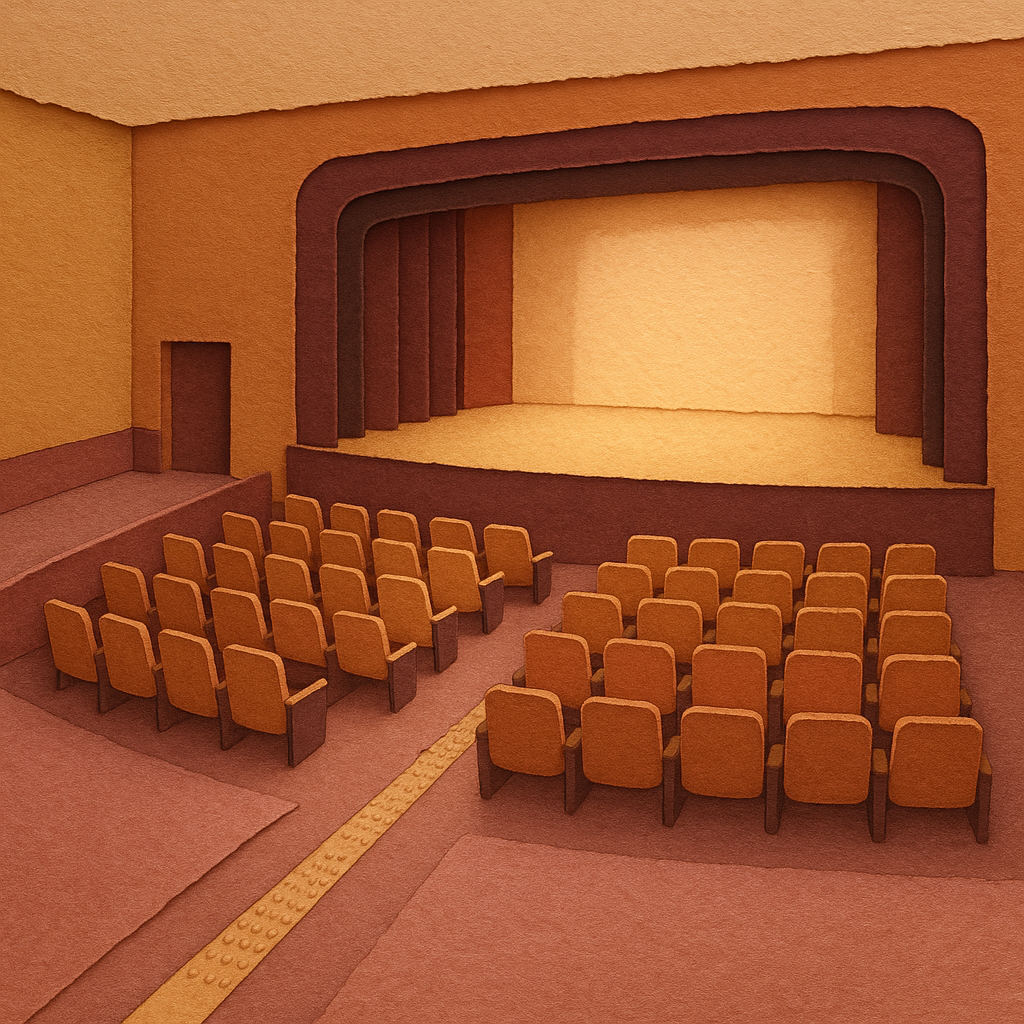
A theatre season is published once and then asked about a hundred times. Can I get in without stairs? Is there a relaxed performance of this play? Which dates have audio description or a sign-language interpreter? Is there a wheelchair space next to my companion? Most venues answer these questions by phone, in a PDF, or in a paragraph at the bottom of a page. Visitors who need the answer most are the ones who can least afford to hunt for it.
We built a cultural programme platform in Drupal where a venue publishes its season as structured content, and the access information becomes a first-class part of every performance rather than a footnote. Visitors filter the programme by what they need. Editors enter access facilities once per venue and space, and the platform applies them to every performance that takes place there.
The site itself is the second half of the project. A platform whose job is to publish access information has to be usable with a keyboard, a screen reader, 400 % zoom, and JavaScript switched off. We treated WCAG 2.2 AA as an engineering gate, not a final review.
The published instance runs on a demonstration programme with fictional venues and seasons. No real venue's access information is part of it.
The project in one sentence
We built a Drupal 10 platform, later upgraded to Drupal 11, where cultural venues publish seasons, productions, and performances with structured access data, so visitors can find the performances they can actually attend — and the site delivering that information meets WCAG 2.2 AA.
The project had three audiences:
- Venue editors who maintain seasons, casts, prices, and access details.
- Visitors who plan an evening out and need reliable, filterable access information.
- Partner venues and listing services that consume a compact programme feed.
The first two shaped the content model. The third shaped the API boundary.
Start with the content model, not the layout
Drupal rewards teams that model content before they theme it. Our first design decision was therefore a small set of entities with clear ownership:
Content types
├── Season            (venue, date range, intro, downloadable brochure)
├── Production        (title, synopsis, duration, age guidance, content notes)
├── Performance       (production, date/time, space, pricing, booking link)
└── Access Offering   (facility, description, booking note, validity window)

Taxonomy
├── Access facility   (step-free entrance, wheelchair space, accessible WC,
│                      induction loop, audio description, relaxed performance,
│                      sign-language interpretation, surtitles, easy-language summary)
└── Genre

Paragraphs
├── Access block      (facility list with per-facility notes)
├── Cast list
└── Practical info    (travel, parking, contact)
A performance references a production and a space. A space belongs to a venue and carries the facilities that are physically true of that room. Facilities that belong to a single date — an interpreted performance, a relaxed performance — sit on the performance itself. This split solved the largest content problem in the project: a venue should not have to re-enter "step-free entrance" for every date in a season, and it should not inherit that claim for a room that has three steps at the side entrance.
Views provide the season listing, the per-venue programme, the calendar, and the editorial overview of performances with incomplete access data. Posters, production photos, and downloadable season brochures use core Media, so an editor reuses an existing asset instead of uploading a fourth copy of the same poster. Editors arrange landing pages with Layout Builder, so marketing changes do not require a deployment.
Access data as structure, not prose
The interesting field is not the title. It is the access model. Every performance carries an access record, and a validation constraint blocks publication when that record contradicts its own claims.
# config/sync/field.field.node.performance.field_access_facilities.yml
langcode: en
status: true
dependencies:
  config:
    - field.storage.node.field_access_facilities
    - taxonomy.vocabulary.access_facility
    - node.type.performance
id: node.performance.field_access_facilities
field_name: field_access_facilities
entity_type: node
bundle: performance
label: 'Access facilities for this date'
required: false
cardinality: -1
translatable: true
Long free-text access notes were the thing we removed. Editors choose a facility from a controlled vocabulary and add a short, specific note where it helps — "the induction loop covers rows A–F" is useful; "the venue is accessible" is not. Controlled values make filtering possible, make translation consistent, and give the audit report something concrete to check.
A visitor's filter therefore queries facts, not keywords:
/ programme?need[]=step_free_entrance&need[]=accessible_wc&day=2026-03-14
Multiple selected needs are combined with AND semantics, because a visitor who asks for step-free access and an accessible toilet is not helped by a performance that offers only one of them.

Configuration management keeps three environments honest
The project lives in Git with a single exported configuration directory. Nothing about the content model exists only in a database.
Our workflow:
- Change configuration locally through the admin UI or in code.
- Export with
drush config:exportintoconfig/sync. - Review the YAML diff in the merge request like any other code.
- Import on stage and production with
drush config:importas part ofdrush deploy. - Fail CI when the active configuration and the repository diverge.
That last step matters more than it sounds. drush config:status reports differences between the database and the export, and we run it in the pipeline. A developer who changes a view in the browser and forgets to export it now gets a red build instead of a mysterious configuration loss on the next deployment.
Environment-specific configuration — development modules, local mail handling, stage proxies — is split out with the Config Split module rather than duplicated per branch. The export contains the full schema; each environment activates only the splits it needs.
Two details kept this stable over the Drupal 10 to 11 upgrade:
- Config schema for our own module. Every setting our custom module ships has a schema in
config/schema/season_access.schema.yml, so typed configuration validation catches a mistyped key as a validation error instead of a silent default. - Update hooks for data, config export for structure. Structure moves through configuration. Existing content moves through
hook_update_Nandhook_post_update_NAME. Mixing the two is how deployments become archaeology.
The upgrade itself was routine because of this discipline. We ran the Upgrade Status module and drupal-check over custom code, replaced deprecated API calls, moved our plugin definitions from annotations to PHP attributes, verified contributed module compatibility, and upgraded on PHP 8.3.
The custom module: what we wrote ourselves
Site building covers most of the product. Five requirements did not fit existing configuration, so we wrote a module with a narrow scope: season_access.
- An access summary on every performance: an extra field from
hook_entity_extra_field_info(), rendered from the referenced facilities. - Incomplete access records: a validation constraint plugin on the access fields stops publication.
- Combination filters: a Views filter plugin with explicit AND/OR handling.
- Missing access data: a Drush command,
season-access:audit. - Partner feed: a controller at
/api/programme/season/{season}.
The validation constraint is the piece with the most editorial value. A performance marked as relaxed must carry a note describing what changes — lights, sound, audience movement. A performance marked as sign-language interpreted must name the interpreter. A performance with a wheelchair space must state how many. Editors see these as field-level errors in the node form, not as a report two weeks later.
The audit command produces the complementary view: which published performances in the next 90 days have no access facilities at all, grouped by venue. Venue managers used it as a worklist before each season opened.
Custom code follows Drupal's own conventions: services registered in season_access.services.yml with dependency injection, plugins in the standard namespaces, and render arrays that declare their cache metadata. The access summary is derived from referenced entities, so it carries the cache tags of those entities and the node itself. A facility change invalidates exactly the pages it affects. Declaring cacheability once, correctly, avoided the usual round of "clear the cache and it looks fine" bugs.
Each plugin and service has PHPUnit coverage: kernel tests for the constraint and the extra field, a unit test for the audit query, and a functional test proving the partner feed omits unpublished performances.
Coding standards are checked in CI with PHP_CodeSniffer and the Drupal standard, so reviews discuss behaviour instead of whitespace. The supporting documentation is Drupal's own: creating modules, the coding standards, and the cacheability of render arrays.
The front end: HTML first, CSS second, JavaScript last
The theme is a custom theme, not a subtheme, built with single directory components so that each component's Twig template, CSS, and metadata live together. Twig stays close to HTML (Drupal theming and Twig). We avoided wrapper divs whose only purpose was styling, because those wrappers are also what breaks heading order, focus order, and list semantics.
Semantic HTML carried most of the accessibility work:
- The programme listing is a list of articles, each with one heading and a definition-style block of performance facts.
- The filter is a real
formwithfieldsetandlegend, submitted as a GET request. - Access facilities render as a description list, not as a row of coloured icons.
- Dates use
timeelements with machine-readable values, and the visible format spells out the month. - Every page has a skip link to the main region and one
h1.
The filter works without JavaScript: it reloads the page with query parameters and the server returns the matching programme. With JavaScript, we enhance the same form to update results in place through Drupal's AJAX API. The enhancement adds three things the no-JS version does not need:
- A results region with
aria-live="polite"announcing "24 performances match your filters". - Focus moved to the results heading after each update, so keyboard users continue from the new content.
- An accessible busy state on the submit button, instead of a spinner that screen readers ignore.
JavaScript is plain ES modules. There is no client-side framework, no hydration step, and no second rendering of content that Drupal has already rendered. A visitor with a slow connection or an old browser still gets the full programme.
Responsive design that survives real zoom levels
Responsive work here meant two things: small screens and magnified screens. A visitor at 400 % zoom on a laptop is effectively using a 320 CSS-pixel viewport, so both cases share a layout budget.
- Layout is single-column below 40rem, two columns for the programme list above 56rem, using CSS Grid with the card's own constraints rather than viewport-only media queries.
- Type scales with
clamp()between a 1rem floor and a 1.375rem ceiling, so nothing shrinks below readable size on a phone. - Colour tokens are CSS custom properties with paired foreground and background values; every pair was contrast-checked before it entered the token file, including focus indicators.
- Touch and click targets are at least 24 × 24 CSS pixels for inline controls and 44 × 44 for primary actions.
prefers-reduced-motionremoves the slide transitions on the filter panel.- No component introduces horizontal scrolling at 320 CSS pixels, and we test text spacing overrides, because a visitor's own stylesheet is not our layout's problem to fight.
The test matrix covers a 320-pixel viewport, a mid-range Android phone, an iPad in landscape, a desktop at default zoom, and the same desktop at 400 % zoom with text spacing applied.
Accessibility as a gate, not a phase
The target was WCAG 2.2 Level AA. German federal public bodies work from BITV 2.0, which points at EN 301 549 and requires an accessibility statement; consumer-facing digital services in Germany have faced their own duties under the BFSG since 28 June 2025. Even where a venue is not directly in scope, the standard is the same. The reference documents are WCAG 2.2, W3C's guidance on evaluating web accessibility, BITV 2.0, and the BFSG. We used WCAG 2.2 AA as the stricter internal baseline, including the criteria added in 2.2 that older reviews tend to miss:
- Focus Not Obscured (Minimum, 2.4.11): sticky headers must not hide the focused element.
- Target Size (Minimum, 2.5.8): 24 × 24 CSS pixels for pointer targets.
- Redundant Entry (3.3.7): a booking hand-off does not ask twice for data the visitor already gave.
- Accessible Authentication (Minimum, 3.3.8): no cognitive test as the only login route.
Three mechanisms kept this honest:
Automated checks in CI. Playwright runs axe-core against the home page, a season page, a performance page, the programme listing with filters applied, and the search result page with no results. The build fails on new violations of Level A or AA rules. Automated checks miss a large share of real problems, so they are a floor and not a verdict.
Manual passes per sprint. Every sprint included a keyboard-only walkthrough of the stories delivered, a screen-reader pass with NVDA on Windows and VoiceOver on macOS and iOS, and a zoom check. Findings became tickets with a reproduction path, exactly like a layout bug.
Editorial rules in the CMS. Accessibility failures are often content failures. Alt text is a required field with a separate "decorative image" checkbox; the rich-text editor's heading levels are restricted to the structure the templates support; link text guidance discourages "read more"; and the access-note field has an editor-facing hint with a good and a bad example.
The published result is documented rather than asserted: the repository carries the accessibility statement template, the audit checklist, and the known-limitations list that editors maintain.
Agile delivery: Scrum to build, Kanban to keep
The build ran in two-week Scrum sprints, with the editor role acting as product owner and a review at the end of every sprint. Reviews were demonstrations in the running site, not slide decks. Each one closed with a screen-reader pass run by someone who had not built the feature, so familiarity had nowhere to hide.
Kanban took over for the phase after launch, when work becomes a stream of small requests: a new access facility, a translated season, a partner feed change, a broken booking link. A single board with explicit work-in-progress limits and a definition of done suited that flow better than sprint planning for two-day tasks.
The definition of done was the same in both models, and it is where most accessibility projects quietly fail:
- Acceptance criteria met, including the access-data requirements.
- Configuration exported and committed.
- Keyboard, zoom, and screen-reader checks passed.
- axe CI job green.
- Editor walkthrough in the node forms the venue editors will actually use.
The last item matters. A feature that editors cannot use correctly produces wrong access information, which is worse than no information.
What the finished project proves
This project was our way of showing Drupal delivery end to end, not as a list of modules:
- Site building with content types, taxonomy, Paragraphs, media, Views, and Layout Builder in Drupal 10 and 11.
- Configuration management with a single exported configuration set, environment splits, schema for custom config, and drift detection in CI.
- Module development with plugins, services, dependency injection, validation constraints, a Drush command, cache metadata, and PHPUnit coverage.
- Web development with Twig, semantic HTML, modern CSS, and progressive-enhancement JavaScript without a framework.
- Responsive design across small viewports and 400 % zoom, with contrast-checked tokens.
- Accessibility engineered as WCAG 2.2 AA: automated checks in CI, manual assistive-technology testing per sprint, and editorial rules inside the CMS.
- Agile delivery with Scrum for the build and Kanban for the ongoing stream, under one definition of done.
Final thoughts
The product and the engineering constraint pointed the same way. Because the thing being published was access information, the platform had to be usable by the people it described. That removed a familiar shortcut: an accessibility audit at the end, a list of defects, a negotiation about which ones to fix.
Structured content made the promise keepable. A facility is recorded once, inherited by the performances it applies to, validated before publication, exposed through a filter that answers a real question, and rendered by templates that hold up under a keyboard, a screen reader, and 400 % zoom. Drupal supplied the editorial model, the configuration discipline, and the extension points. The rest was a series of small, testable decisions.